

Git Worktrees: Branch Hopping Without the Hangover
SATURDAY AUGUST 16 2025 - 4 MIN
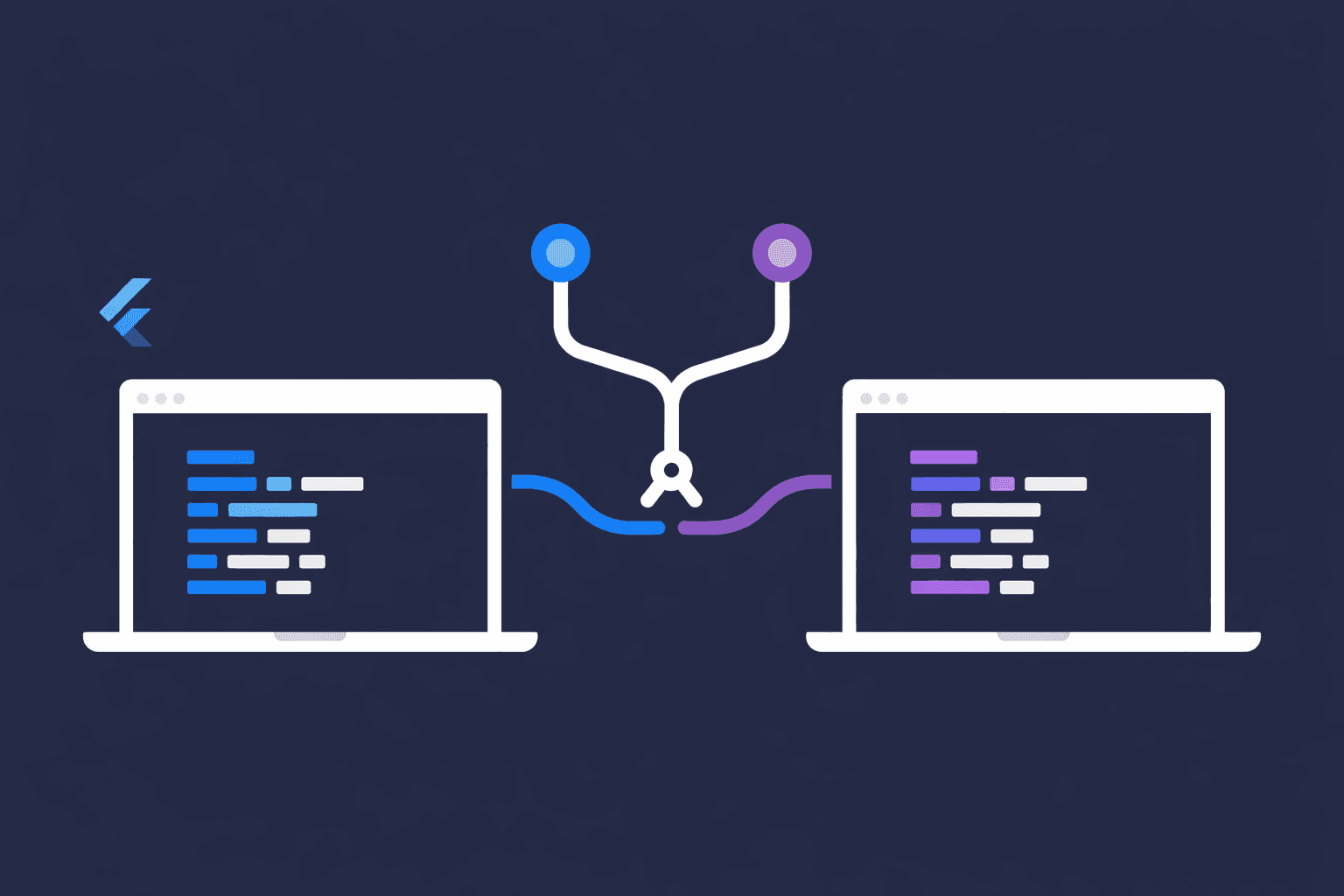
The context-switching tax
You’re pair-programming with your AI assistant on a feature: logic wired up, tests passing, the app behaving. Then Slack pings: "Production bug. Needs a hotfix NOW."
You know the drill:
git stash
git checkout main
git checkout -b hotfix/critical-issue
# fix the bug, test it, push it
git checkout feature/new-feature
git stash pop
# pray your IDE catches up
By the time you're back, your IDE is re-indexing, the dev server or runtime needs a fresh start, and you’ve lost both your context and whatever thread the assistant was following. The switch costs 15 minutes minimum, and that’s if nothing conflicts with half-applied AI edits.
Multi-agent coding runs on worktrees (every provider)
Whether you use Cursor, Copilot, Claude Code, Gemini in the IDE, or anything else, multi-agent and parallel task flows all hit the same wall: Git only allows one checked-out branch per working directory. Tools that spin up “another agent” to work in parallel don’t magic a second copy of the repo; they need separate working trees (or full clones, which are heavier and easier to drift).
Worktrees are that primitive:
- Each agent (or session) gets its own folder, own branch, own dependency install / build / language-server state.
- The same
.gitobject store backs every worktree, so commits and history stay unified, with no “which clone was this?” confusion. - It doesn’t matter which model or vendor: the filesystem + Git model is what makes parallel AI-assisted work safe and repeatable.
So when docs or product UIs talk about “background agents” or “parallel tasks,” underneath it’s often worktrees (or the same idea with a different name). Knowing how to use them yourself means you’re not locked to one product’s UX, and you understand the mechanism.
Worktrees: multiple branches, zero stashing
Git worktrees let you check out different branches in separate directories from the same repo. No stashing, no branch switching, no waiting for IDE re-indexing.
Here's the setup:
# Your main working directory
~/Code/my_app/

# Create a worktree for the hotfix in a parallel directory
git worktree add ../my_app-hotfix main
Now you have:
~/Code/my_app/          # Your feature branch (untouched)
~/Code/my_app-hotfix/   # Fresh main branch checkout
Open the hotfix directory in a new IDE window, with or without an AI session pointed at that folder, fix the bug, commit, push. Your feature branch keeps running in the original window. Zero interruption.
Real-world AI-assisted scenarios
Scenario 1: You’re deep in a refactor; an agent should review a PR
You’re mid-refactor with uncommitted changes everywhere, but PM needs a real review of a teammate’s branch, not a skim.
git worktree add ../my_app-review feature/teammate-pr
Open that path in a second IDE window and let the assistant read, run your test suite, and even exercise the app while your main window stays on your messy feature branch. No stash, no “please ignore my local diff” prompts.
Scenario 2: Compare “AI changed this” vs main
The assistant refactored a module on your branch, but “it worked on main” and now something’s off.
git worktree add ../my_app-main main
Run two environments side by side (e.g. two local servers, two browser profiles, or a staging build vs your branch): one from my_app, one from my_app-main on main. Behavior beats diff-only review when the bug is runtime, integration, or UI, not visible in a patch alone.
Scenario 3: Long-running spike: let an agent own a branch
You want to try a different stack, architecture, or dependency layout, but you don’t want experimental churn mixed into your daily branch.
git worktree add ../my_app-experiment -b experiment/new-arch
Point your assistant at ../my_app-experiment, keep your “real” work in ~/Code/my_app. Merge when the spike is green; remove the worktree if the experiment dies. Your stable branch never saw half-broken AI iterations.
Commands you'll actually use
# Create a new worktree from an existing branch
git worktree add <path> <branch>

# Create a worktree with a new branch
git worktree add <path> -b <new-branch>

# List all worktrees
git worktree list

# Remove a worktree when you're done
git worktree remove <path>
# or just delete the directory and run
git worktree prune
Things to know
- Shared commits: All worktrees share one repository, so a commit you make in one worktree is visible to the others immediately (no
git fetchneeded for local commits). Rungit fetchwhen you want updated remote branches from the network. - One branch per worktree: You can't check out the same branch in multiple worktrees. Git prevents this to avoid conflicts.
- IDE quirks: Most editors handle worktrees fine: open each path as a separate window. Some IDEs may warn about duplicate roots; that’s usually safe to ignore.
- Installs and caches are per tree: Each worktree needs its own dependency install (e.g.
npm install,pip install -e ., etc.) and keeps its own build output and tool caches; they aren’t shared across paths. - AI sessions are per workspace: Pointing two chat sessions at the same folder can step on each other; one worktree per parallel agent keeps generated edits and language-server state isolated.
Clean-up
When you're done with a worktree:
git worktree remove ../my_app-hotfix
Or just delete the folder and prune:
rm -rf ../my_app-hotfix
git worktree prune
Why this matters
Before worktrees I avoided urgent fixes because the mental overhead of stashing and switching was too high. Now I keep 2-3 worktrees active:
my_app– primary feature branch + main AI sessionmy_app-hotfix– production fixes without touching feature statemy_app-reviewormy_app-experiment– parallel human or agent work
I bounce between them instantly. No stashing. No waiting. No lost context, and no mystery about which directory the “other” agent was editing.
If you use AI-assisted or multi-agent workflows, worktrees aren’t optional trivia: many tools use worktrees, full clones, or something equivalent for isolation. Learning Git worktrees keeps you aligned with how that isolation works. Learn them once, use them everywhere: provider-agnostic and future-proof.
For suggestions and queries, just contact me.